
How SLB works: sections, schema and instance data
SLB works in four steps: a developer writes a section template with a JSON schema, editors arrange sections on a page, and the page renders on the server as plain HTML. There are no shortcodes and no custom tables; content is stored as JSON in post meta.
The four steps
- Write a PHP section template with a
@sectionJSON schema in the file header. - Declare fields (text, image, select, toggle, color, URL, range and more).
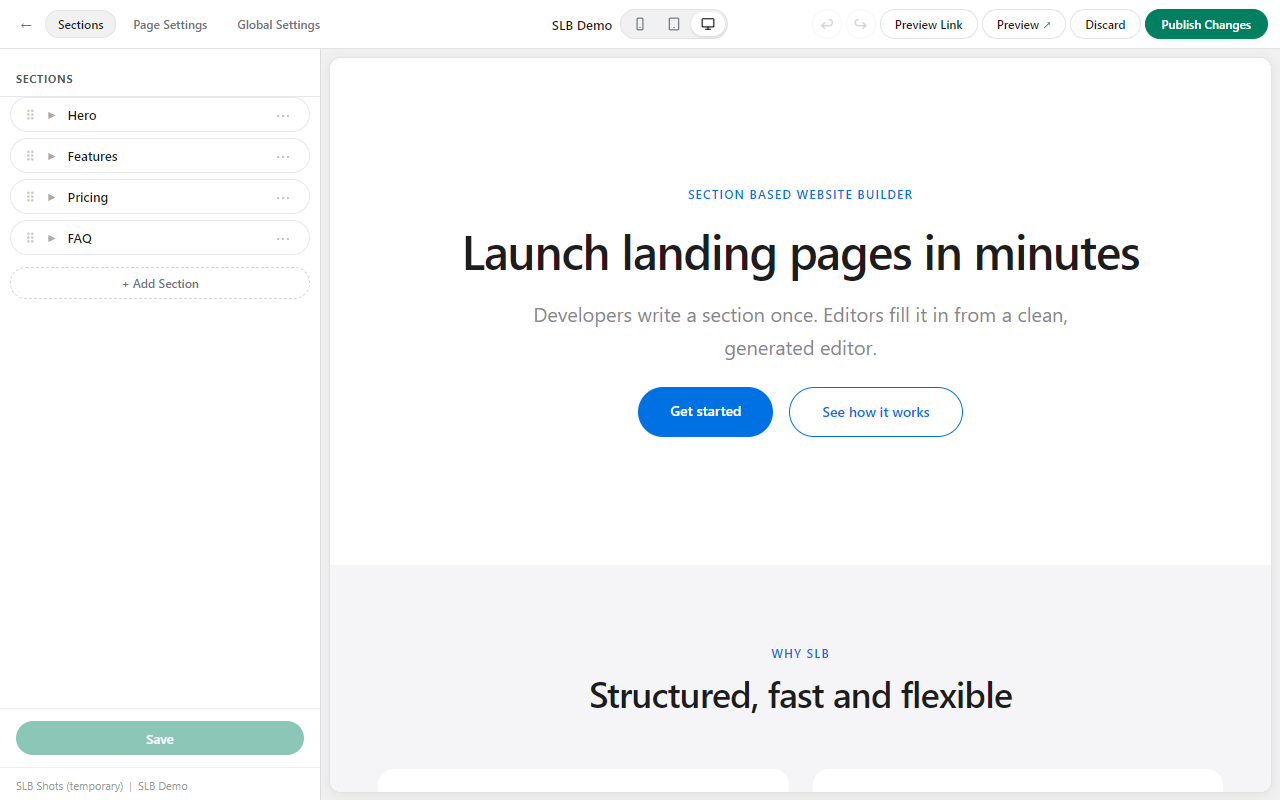
- Editors add and arrange sections on any page in the SLB full-screen editor.
- The page renders on the server as plain HTML.
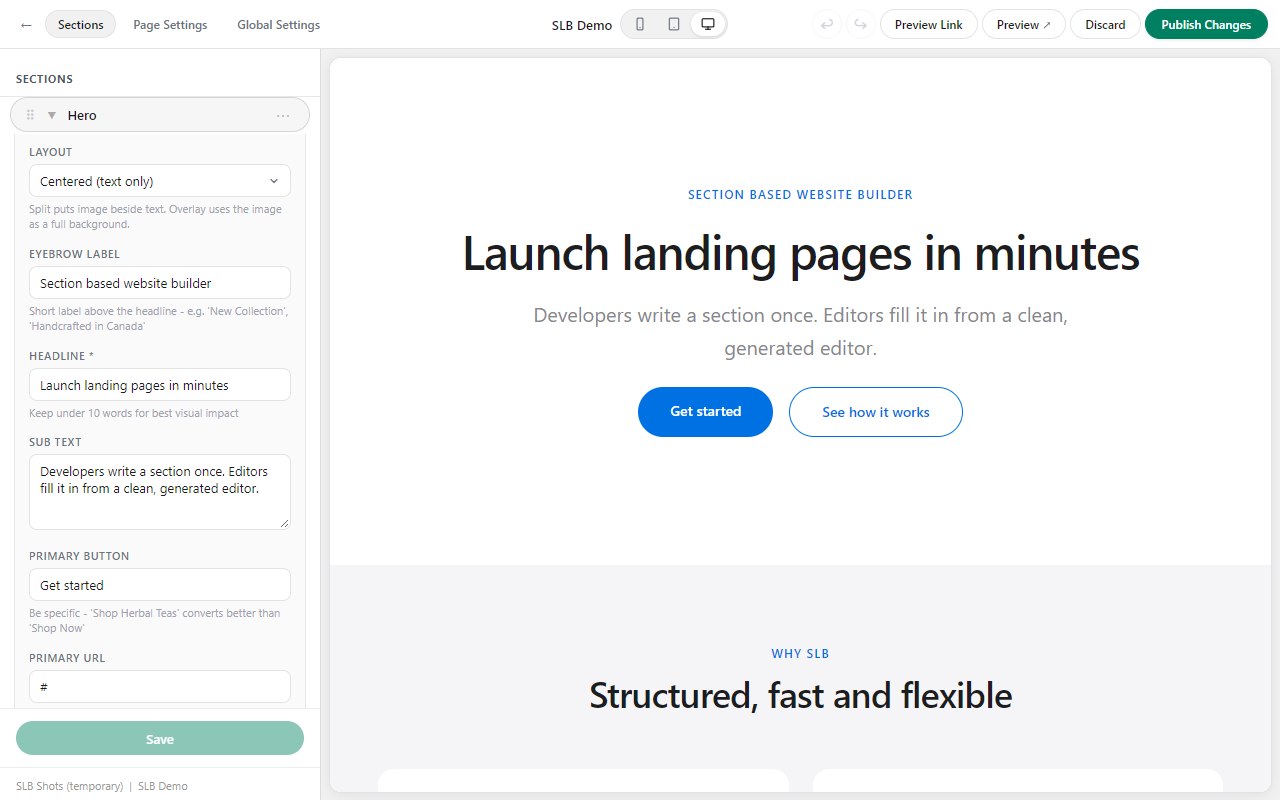
The editor builds its form controls from the schema.
Design principles
- Instance-based data. Two instances of the same section on one page are independent.
- Schema-only editor. The editor never runs section PHP; controls come from the schema.
- Sections are rows. A page is a vertical stack; columns come from repeatable blocks inside a section.
- Curated controls. Developers decide what editors may change, so client edits cannot break the design.
- Responsive lives in the template. It uses Tailwind classes, not client-facing breakpoint controls.
- No lock-in. Section templates are plain PHP files in the theme.
- Escape on output. Values are stored raw and escaped at render.
- No build step for the plugin: plain PHP and vanilla JavaScript, no Composer or npm.
Where content is stored
Layout and field values are stored in post meta as JSON. Section PHP files stay on the server; the free plugin never writes or modifies them at runtime.
Next
Read Writing a section to build your own.
Related: SLB documentation · Getting started · Free vs paid
Last updated